

Your product leads the image
Clothing, shoes and accessories enter as the real creative source.
Bring product views from your catalogue, review the AI-assisted analysis and use the saved asset across commerce, editorial and campaign setups.
Shoodio turns uploaded clothing, footwear and compatible accessories into reviewed styling assets that remain connected to the model and shoot.
ways to bring in products
Available nowanalysis before save
Available nowWooCommerce and more
Coming soon
01 · Import
Use the product images you already have.
Manual Smart Upload works without a store. Shopify import validates a store URL, retrieves product data and lets the user choose which public product images enter Shoodio.
- Direct upload for any apparel product
- Active Shopify image selection flow
- No Shopify account required for manual upload
02 · Understand
AI suggestions, followed by human review.
Shoodio analyses the selected images and suggests editable product information such as category, subcategory, fit, colour groups and visual details. You review the suggestions before saving and can retry if an analysis fails.
- Review before the asset is saved
- Product metadata remains editable
- Analysis failures have an explicit retry path
03 · Style
Apply products where they actually belong.
Shoodio resolves garment categories into model-specific slots and supports layered looks with up to five distinct assets per model. An item remains reusable on another model on the same board.
- Model-scoped product assignments
- Support for clothing, shoes and accessories
- No duplicate of the same asset on one model
04 · Beyond everyday apparel
Bags, shoes and technical sportswear belong in the same production system.
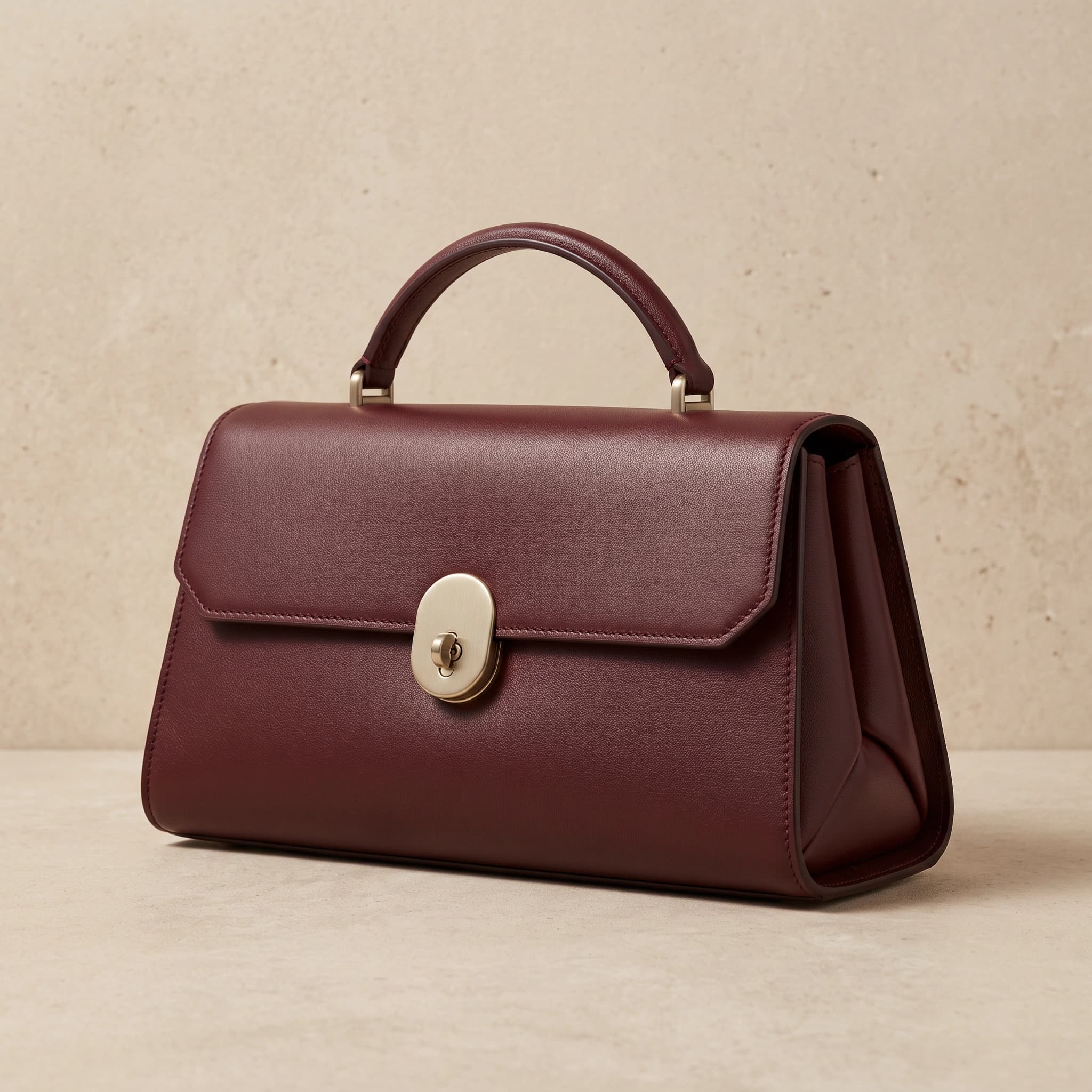
Build a campaign around the crescent bag, performance shell or footwear you actually uploaded. Product sources stay visible while model, setting and photographic language change around them.
- Accessory-led and footwear-led looks
- Layered sportswear kits with model-specific assignments
- Source-to-result comparisons for product review
From setup to result
How to bring apparel into a Shoodio shoot
Two active routes into the same reviewed asset workflow.
- 01Choose an import route
Upload product images manually or open the Shopify import.
- 02Select the source images
Choose the useful views of the same product.
- 03Run analysis
Let the apparel analysis prepare product and visual attributes.
- 04Review the asset
Confirm or edit category, fit, colour and related details.
- 05Apply it to a model
Place the product in the appropriate model-specific apparel slot.
Questions, answered precisely
FAQ
Do I need Shopify to use Shoodio?+
No. Manual upload is active and works without a store. Shopify is an additional active import route.
Which store integrations are available?+
Shopify import is available now. WooCommerce and additional catalogue connectors are coming soon.
What does apparel analysis detect?+
Shoodio can suggest category, subcategory, fit, colour groups and visual details from the supplied images for you to review.
Bring one SKU. Build the entire visual world around it.
Start with the product photography already in your catalogue.